The Ultimate Guide to Route Observers in Flutter Apps

Search for a command to run...

Having lost a significant amount of my USDT to a fraudulent investment platform, I am quite depressed and without hope. Thank goodness, I discovered Supreme Peregrine Recovery. Incredibly helpful and informed was their staff. They worked diligently to restore my USDT and helped me navigate the recovery procedure. I was astounded when they were able to retrieve my USDT. Their professionalism and commitment are much appreciated. To anyone in need, I heartily endorse their services.
+1,8,7,0,2,2,6,0,6,5,9 supremeperegrinerecovery567(@)zohomail(.)com supremeperegrinerecovery(@)proton(.)me info(@)supremeperegrinerecovery(.)com
Having lost a significant amount of my USDT to a fraudulent investment platform, I am quite depressed and without hope. Thank goodness, I discovered Supreme Peregrine Recovery. Incredibly helpful and informed was their staff. They worked diligently to restore my USDT and helped me navigate the recovery procedure. I was astounded when they were able to retrieve my USDT. Their professionalism and commitment are much appreciated. To anyone in need, I heartily endorse their services.
+1,8,7,0,2,2,6,0,6,5,9 supremeperegrinerecovery567(@)zohomail(.)com supremeperegrinerecovery(@)proton(.)me info(@)supremeperegrinerecovery(.)com
SPEAK WITH A LICENSED ALPHA KEY BTC/USDT RECOVERY HACKER
As of right now, ALPHA KEY RECOVERY is the only authorized and genuine recovery hacker that I will recommend to anyone in the world for a very good reason. I can't express how grateful I am to them for helping me overcome my depression; they are truly a blessing in disguise. If you have any data recovery concerns, you should contact ALPHA KEY RECOVERY.
email: Alphakey@consltant.com WhatsApp: +15714122170 Telegram: Alphakeyhacker Signal: +18622823879 Website :www.alphakeyrecovery.com website: https://dev-alpha-key.pantheonsite.io/
The Hidden Problem Behind “Cheap” Rebuilds

Flutter is easy to start with. You build a few screens, connect an API, add some state management… and everything works. Until it doesn’t. At some point, your app stops being “small”. And then: build

AI is everywhere in modern apps. From chat assistants to recommendations and automation, most Flutter apps today rely on cloud-based models like Gemini and other APIs. But there’s a problem: What happ

AI has moved beyond static chatbots. The next wave of applications are agentic apps — AI-powered apps that can reason, act, and adapt dynamically to user needs. Instead of waiting for pre-defined screens, these apps use LLMs like Gemini (Google DeepM...

Upgrade Your Flutter Debugging with a Real Logger to Replace print()

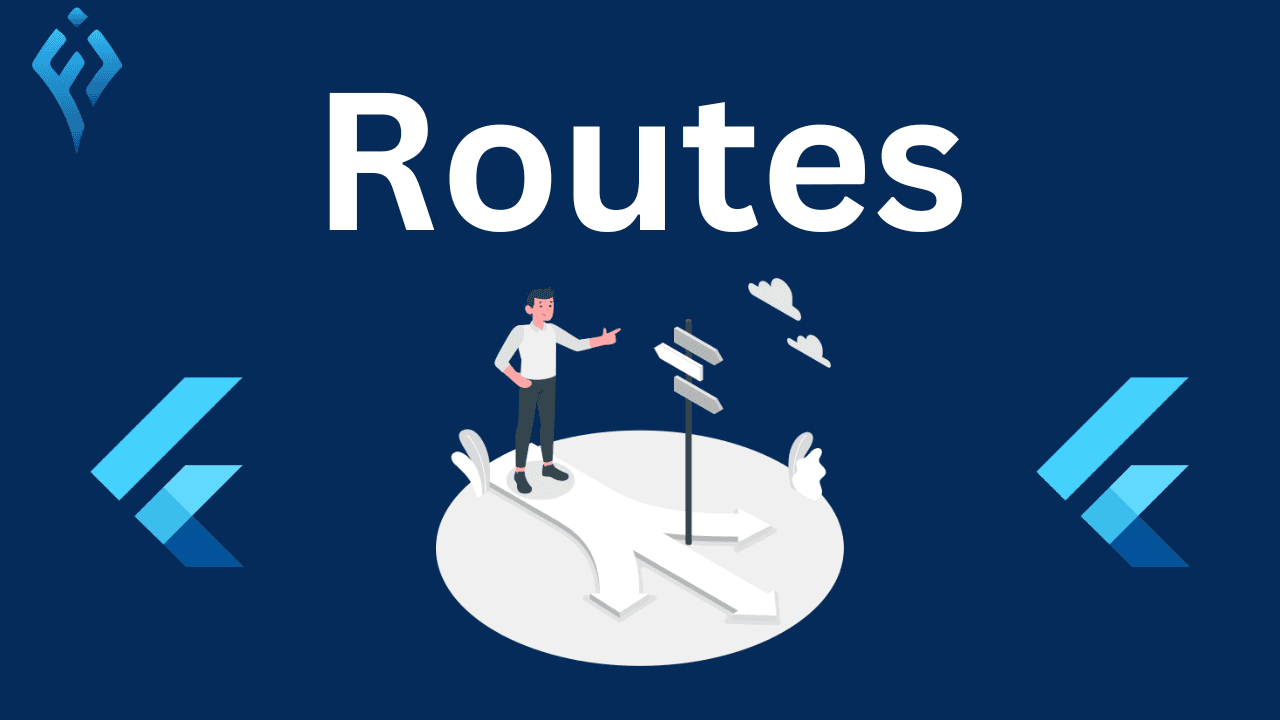
In Flutter, RouteObserver is a powerful way to listen to navigation changes and respond when a screen (route) is pushed, popped, or replaced. This is useful for tracking page visits, analytics, logging, or refreshing data when a page is revisited.
Flutter provides a built-in NavigatorObserver class, and we can extend RouteObserver<PageRoute> to create our own.
final RouteObserver<PageRoute> routeObserver = RouteObserver<PageRoute>();
We need to pass the routeObserver to the navigatorObservers property of MaterialApp or CupertinoApp.
MaterialApp(
navigatorObservers: [routeObserver],
home: MyHomePage(),
);
To listen to route changes, a widget must implement RouteAware and register itself with the RouteObserver.
class MyScreen extends StatefulWidget {
@override
_MyScreenState createState() => _MyScreenState();
}
class _MyScreenState extends State<MyScreen> with RouteAware {
@override
void didChangeDependencies() {
super.didChangeDependencies();
routeObserver.subscribe(this, ModalRoute.of(context) as PageRoute);
}
@override
void dispose() {
routeObserver.unsubscribe(this);
super.dispose();
}
@override
void didPush() {
print('MyScreen Pushed');
}
@override
void didPop() {
print('MyScreen Popped');
}
@override
void didPopNext() {
print('Returned to MyScreen');
}
@override
void didPushNext() {
print('Navigated away from MyScreen');
}
@override
Widget build(BuildContext context) {
return Scaffold(
appBar: AppBar(title: Text("Route Observer Example")),
body: Center(child: Text("Listen to navigation changes")),
);
}
}
✅ Analytics & Tracking – Monitor which screens users visit.
✅ Logging – Track navigation history.
✅ Refreshing Data – Reload data when returning to a screen.
✅ Pause/Resume Actions – Handle background tasks when a screen is active/inactive.
💡 Pro Tip: If you're using GoRouter instead of Flutter's built-in Navigator, use GoRouterObserver instead of RouteObserver.
Try using Route Observers in your Flutter project and let me know how it goes! 🚀😃
#Flutter #Navigation #RouteObserver #StateManagement